An iPhone app, coming soon
Just talk.
It edits itself.
Record yourself on your iPhone. Cutkit cuts the pauses, ums and bad takes, adds captions, a hook and an ending, and hands you a video ready to post.
First testers get it free, unlimited. Works in airplane mode.
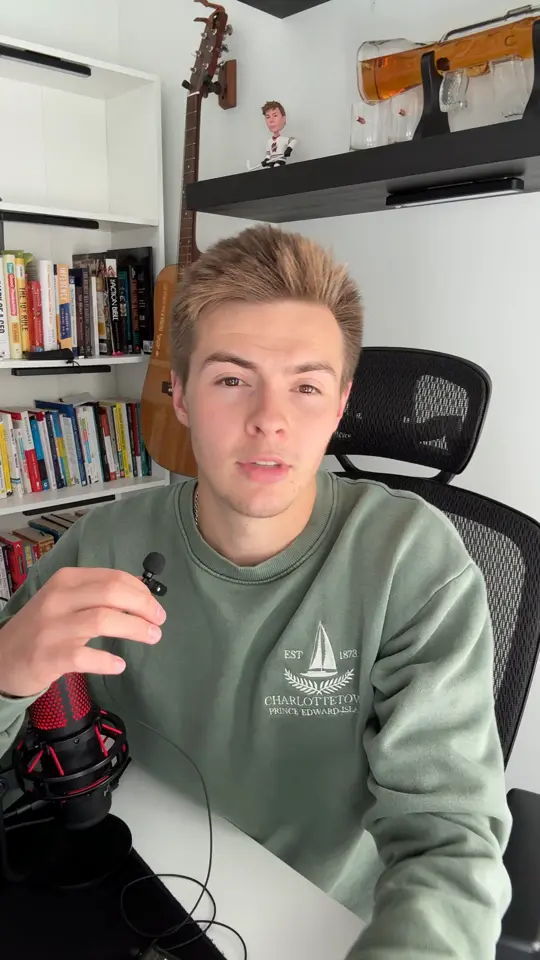
Your take, as you filmed it0:29
12 minutes of talking.
Edited in 28 seconds.
On an iPhone 16 Pro, a 12-minute 4K video with 1,792 spoken words was listened to, cut and captioned, ready to watch, in 27.7 seconds.
Listening, cutting, captioning...
Still scrubbing for the first pause.
Measured on Oct 25, 2026 in a test build on an iPhone 16 Pro. Time from opening the video to the edited preview; exporting the file takes longer. *The hand-editing time is our rough estimate, not a measurement.
Record. It edits.
You post.
 1
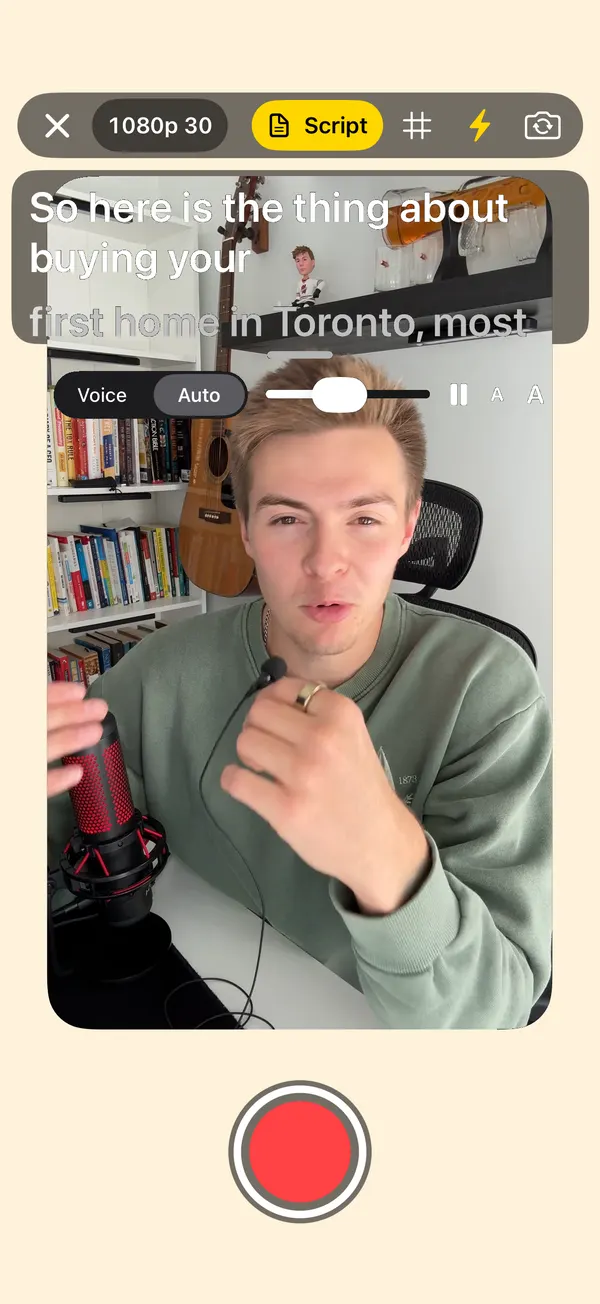
1Record
Read your script off the teleprompter, or pick a video you already shot.
 2
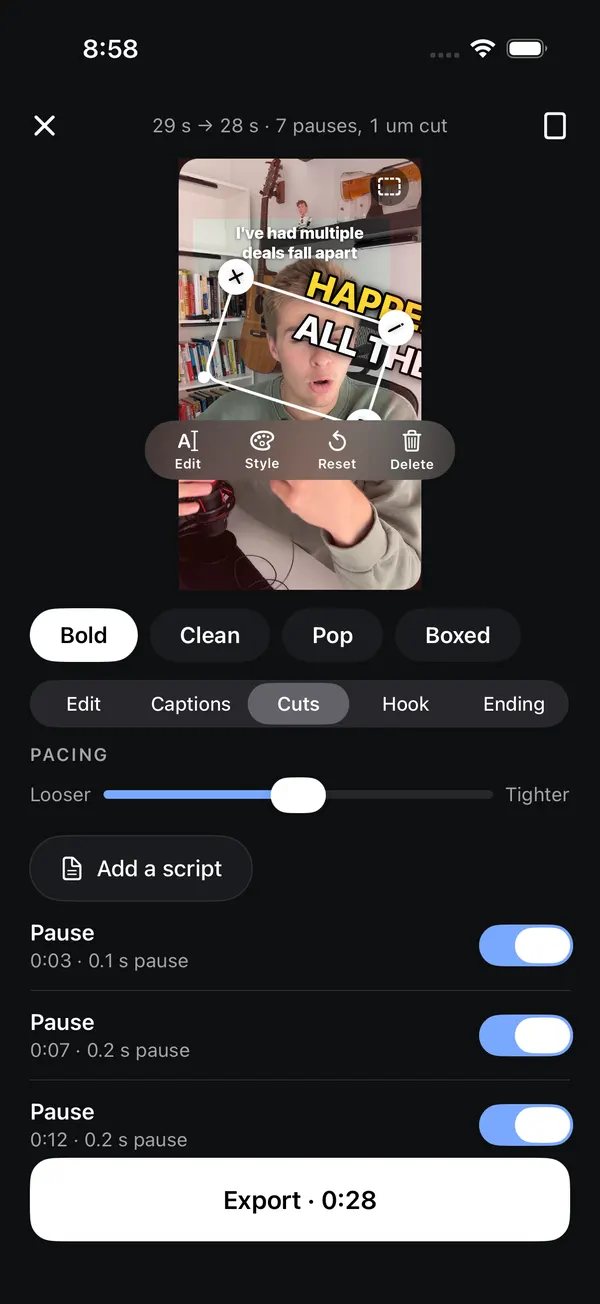
2It edits
Pauses, ums, stutters and bad retakes come out. Wrote a script? It keeps your best take of every line.
 3
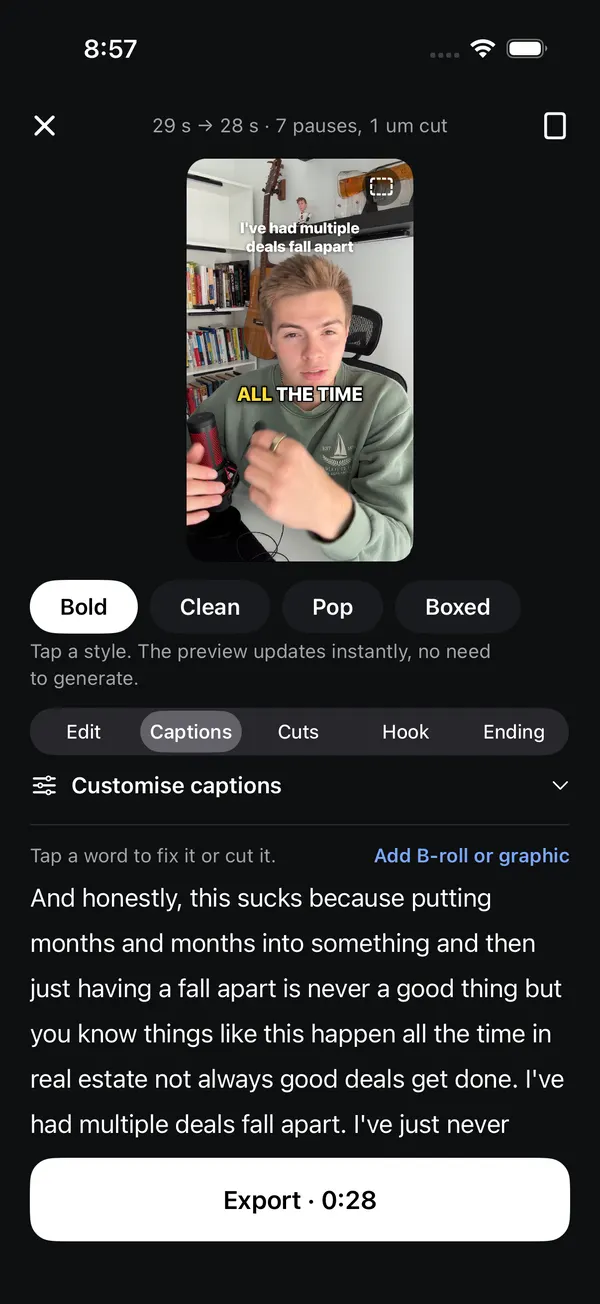
3Post everywhere
Captions, a hook at the top and an ending that asks for the follow. Save it and post it. Posting to every app straight from Cutkit is coming soon.
What it does today.
Everything in this part is built and working in the app right now.
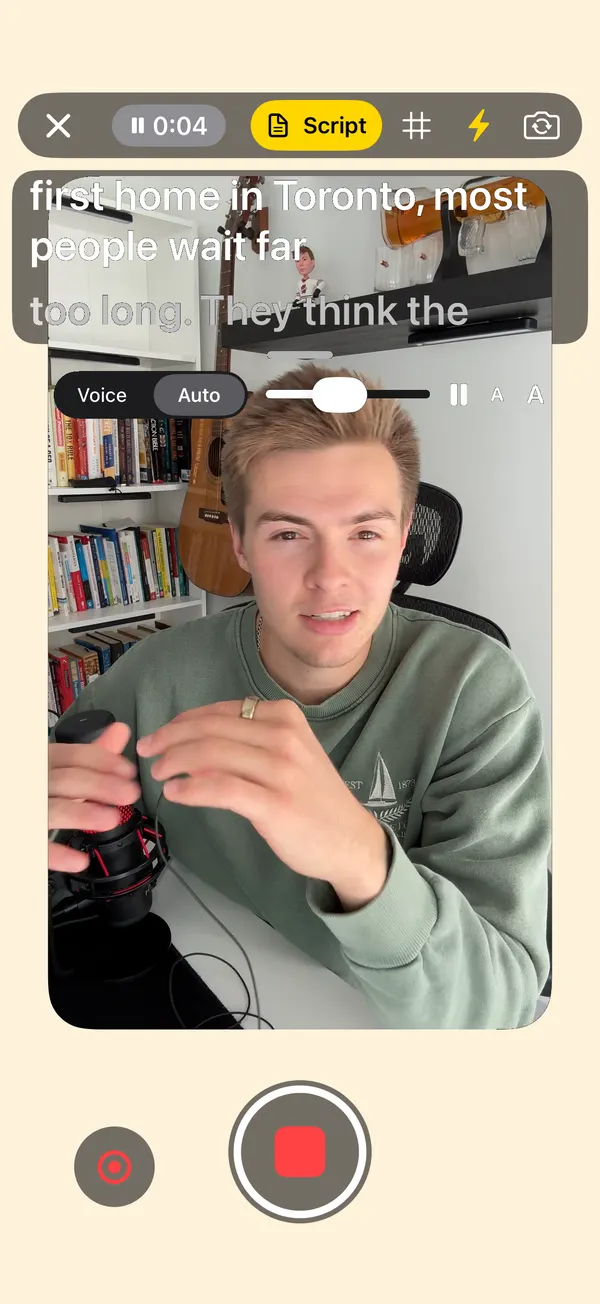
A teleprompter that keeps up.
Your script sits right over the camera, so you look at the lens while you read.
- Pause and pick up where you left off
- Redo just the last part, not the whole take
- Screen light to brighten your face
- Drag the prompter as big or small as you like
The boring part, done for you.
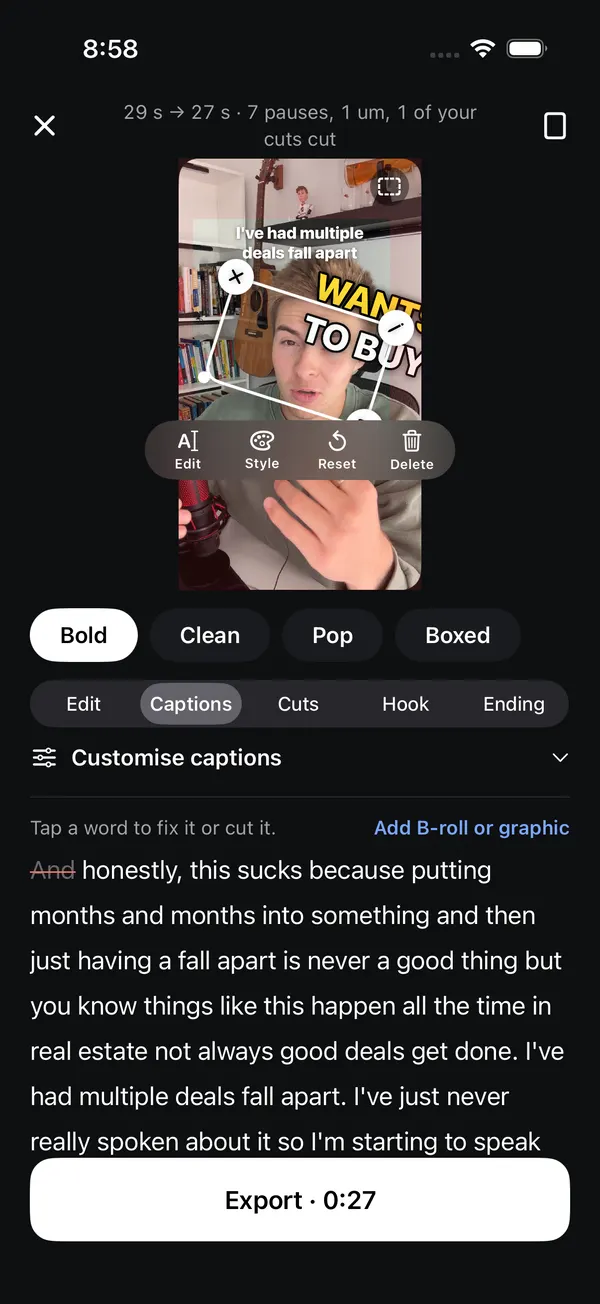
It listens to every word and cuts what you'd cut by hand.
- Silences, ums, uhs and stutters
- Bad retakes, keeping the best one
- Every cut has a switch if you want it back
- Tap any word to fix it or cut it
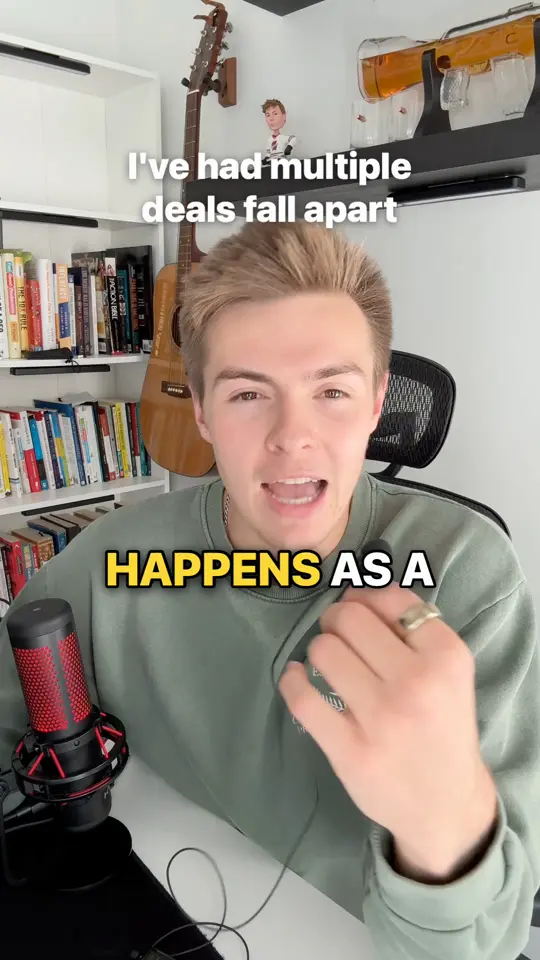
Captions that pop, word by word.
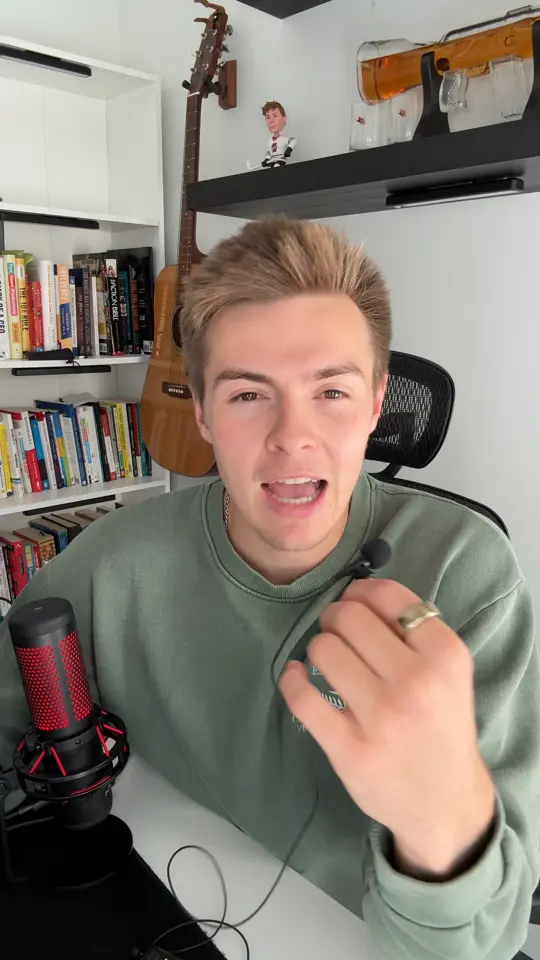
Four styles and five highlight colours. Try them on the video at the top. Drag the line to see the take before and after.
- Drag to move, pinch to resize
- Kept inside each app's safe zone, clear of the buttons
- Colours and text you can change
A hook up top. An ending that asks.
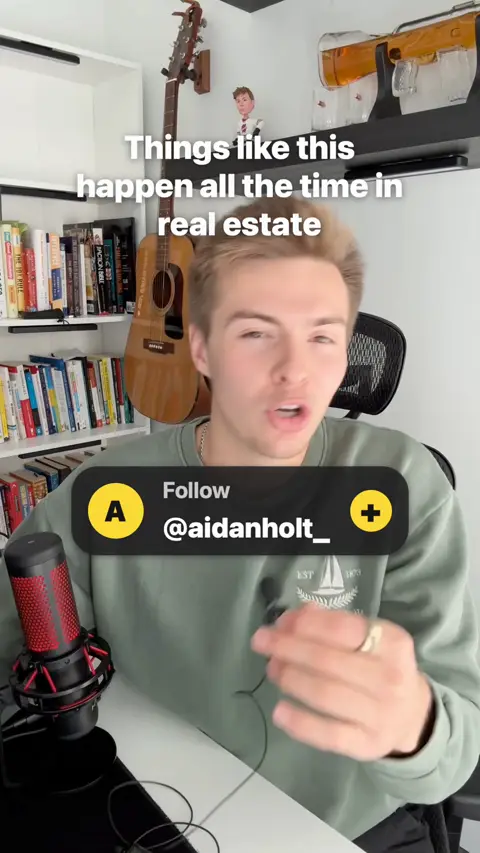
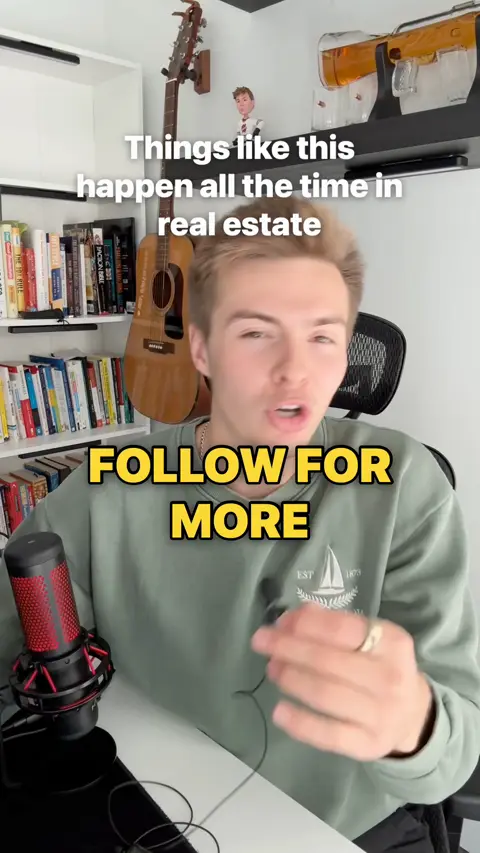
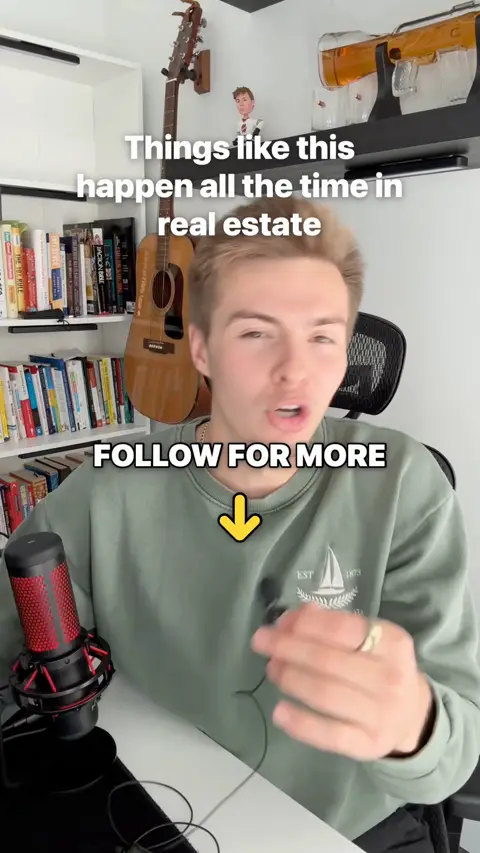
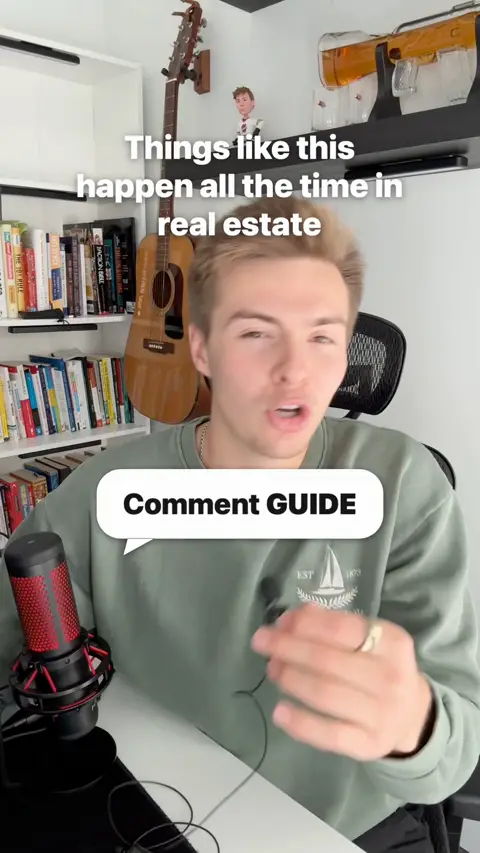
It pulls a hook from what you said and pins it to the top. The last seconds get an ending like "Follow for more". Six designs, and it picks one for you.
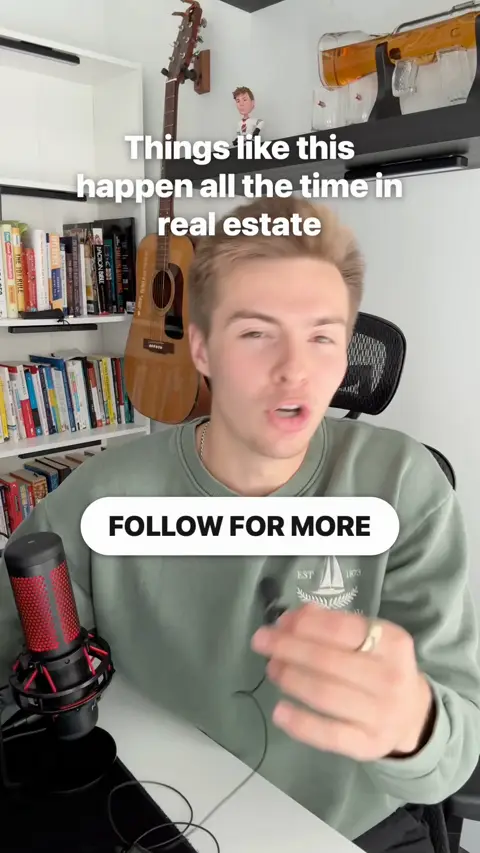
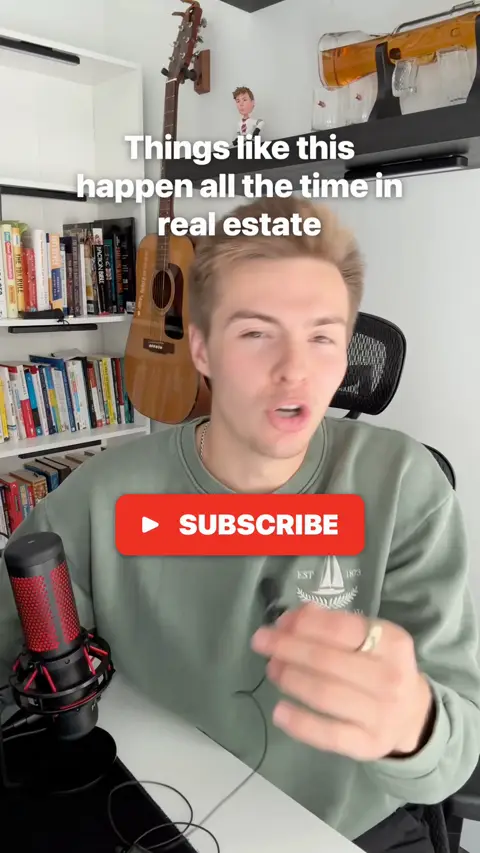
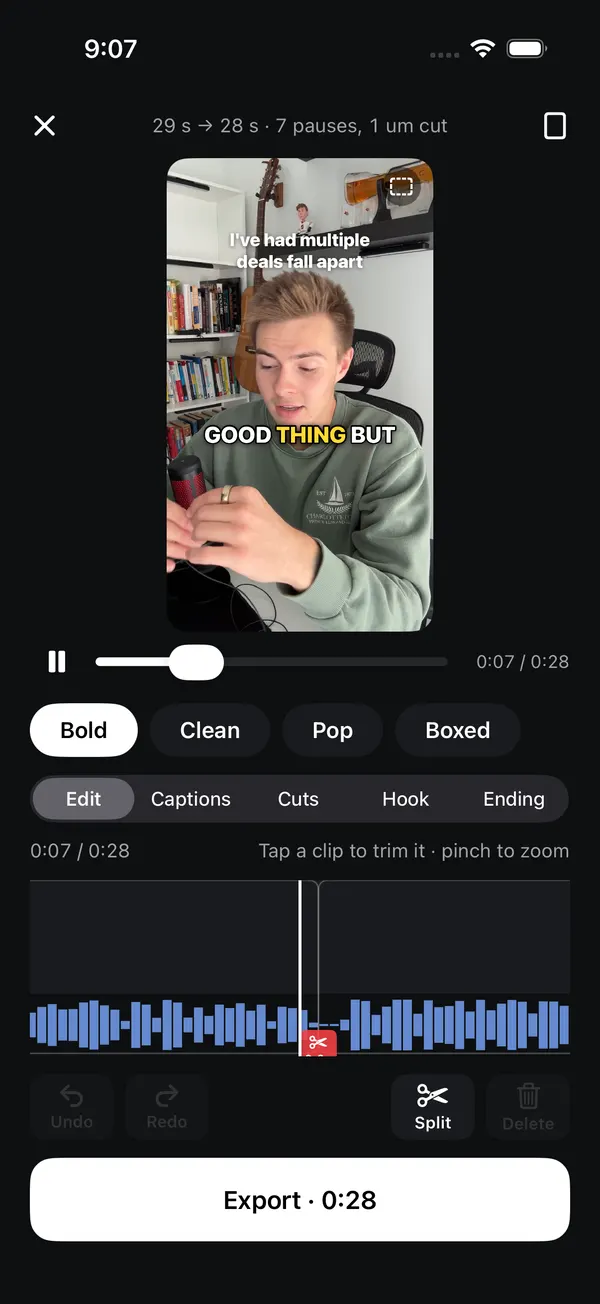
A real timeline when you want one.
- Trim, split and reorder
- Put several clips in one video
- B-roll and graphics over the words you pick
Turn on airplane mode.
Keep editing.
On a plane. In the subway. In a basement with one bar. Record, edit and export with no signal at all. You only need a connection to post.
After a one-time setup: the first time you use it, your iPhone may need to download its speech model, which takes a connection once.
- Recorded
- Cut and captioned
- Exported to Photos
Edit it.
Post it everywhere.
One tap sends your video to Instagram, TikTok, YouTube Shorts, Facebook, LinkedIn, Threads, X, Pinterest, Reddit and Bluesky. No saving, switching apps and uploading ten times.
- A caption and title written from what you said, 3 to pick from, with Shuffle
- Rewrite in one tap: Shorter, Punchier, Add CTA
- Post now or schedule it: tonight, tomorrow morning, or any time
- Instagram trial reels, to test a video on non-followers first
Coming soon. Posting from the app works today on Aidan's own accounts only; connecting your own accounts and the smart captions are being built now. The phone here is a design preview.
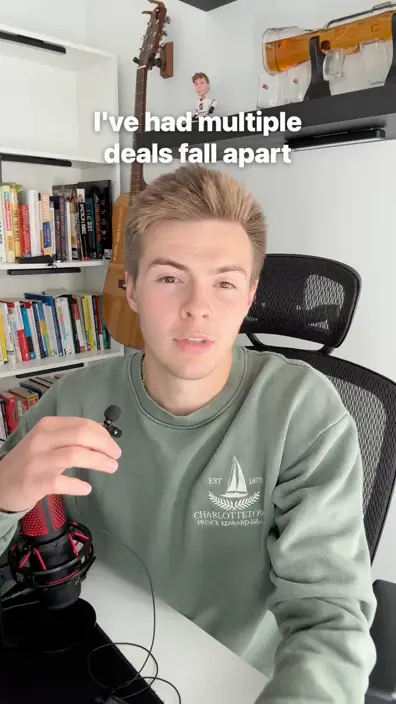
I've had multiple deals fall apart. Here's what nobody tells you about real estate. Follow for more.
Coming soon.
Not built yet. On the plan, and testers help decide what comes first.
Studio sound
Pro audio polish and voice cleanup, so a phone mic sounds like a real one.
Coming soonMusic and sound effects
A music bed that dips when you talk, and a sound on every caption and pop-up.
Coming soonGreen screen
Cut yourself out of the background and stand in front of anything.
Coming soonLiving B-roll
Your own photos turned into moving B-roll over the words that match.
Coming soonPhotos, carousels and Stories
Photo edits, one-tap carousels and a Story pack from the same shoot.
Coming soonReframe
Landscape to vertical, with your face always in the shot.
Coming soonVoice prompter
It says the line in your ear, you say it after. No reading off the screen.
Coming soonModes for your business
Made-for-you setups for hairdressers, realtors, coaches and other local businesses.
Coming soonPost everywhere in one tap
Send it to Instagram, TikTok, YouTube and more right from the app.
Coming soonScheduling
Pick a time, it goes out on its own.
Coming soon
Made for people who talk to the camera.
Creators
Post every day without losing your night to editing. Film, check it, post.
Realtors
Market updates and listing videos filmed in the car, captioned before you're back at the office.
Hairdressers and local businesses
Talk about your work between clients. It's edited and ready by the time you put the phone down.
Coaches
Turn one idea into a clean, captioned video your clients will actually watch to the end.
Be one of the first testers.
The first 10 to 50 people get Cutkit free, unlimited. In return, use it on real videos and tell Aidan what's broken and what's missing.
You get
- Free, unlimited access
- A direct line to Aidan
- A say in what gets built next
You give
- Use it on videos you'd post anyway
- Honest feedback, good and bad
Questions.
What does it cost?
The first 10 to 50 testers get it free, unlimited. The price for everyone else isn't set yet. People on the waitlist hear it first.
Is it iPhone only?
Yes, iPhone only for now. No Android or web version yet.
Which iPhones?
Any iPhone that runs iOS 26: iPhone 11 or newer, and iPhone SE (2nd generation) or newer. It's built and tested on an iPhone 16 Pro. Tell us your model when you join so we can test on phones like yours.
Does it really work in airplane mode?
Yes, once it's set up. The first time you use it, your iPhone may need to download its speech model (that takes a connection, once). After that you can record, edit and export with airplane mode on: on a plane, in a basement, out of data. You only need a connection to post.
What do testers have to do?
Use it on real videos you were going to post anyway, then tell Aidan what broke, what was confusing and what you wish it did. Shake your phone in the app to report a problem on the spot.
When does it come out?
Testers first, then the App Store. There's no public date yet. Join and you'll get an email when it's your turn.
Will you spam me?
No. You get one email to say you're on the list, then only emails about Cutkit. Every email has a one-tap "Remove me" link.
Stop editing.
Start posting.
Join the waitlist. One field, and you're in.